
Set up recurring meetings
Book daily or weekly meetings without entering the same details again.
WECHAT MINI PROGRAM + WEB CONSOLE
Staff find a room and book in WeChat. Admins manage schedules, access and approvals in one place.


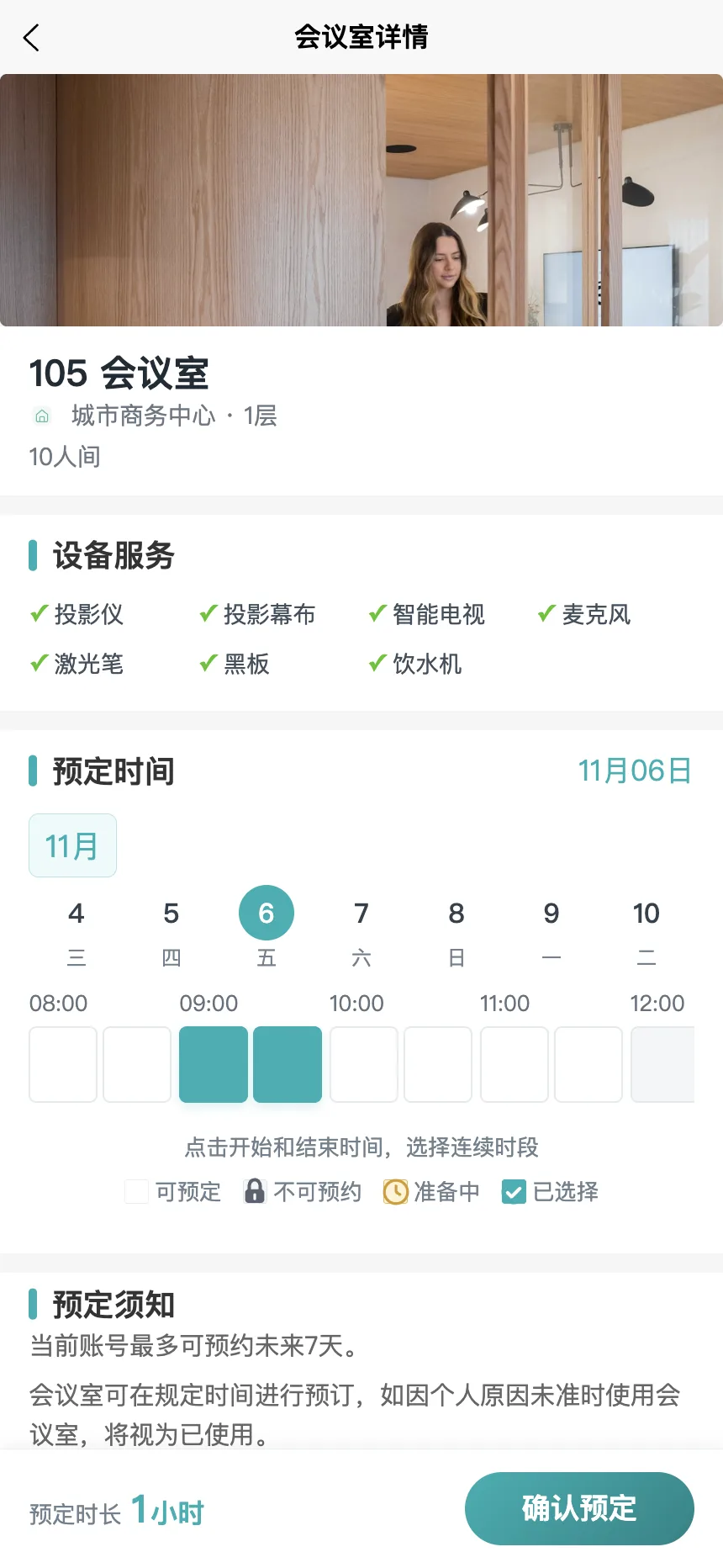
No separate app to install
Check availability before booking
WeChat and web, kept in sync
Spend less time coordinating, more time working together.
Choose a date and see which rooms and times are available.
Add meeting details. Set daily or weekly repeats for regular meetings.
Check the result and follow configured approval steps when needed.
From one meeting room to multiple locations, organise spaces around your team.
Explore product capabilitiesBook daily or weekly meetings without entering the same details again.
Set booking access by department for shared and dedicated rooms.
Configure approvers for rooms that need them and follow request progress.
Review schedules and booking history on the web, with exports when needed.
Recurring bookings, approvals and exports depend on your plan. Ask about plans
MINI PROGRAM REGISTRATION
Set up your organisation in WeChat, add your first room and invite your team.
USE IT ON ANY DEVICE
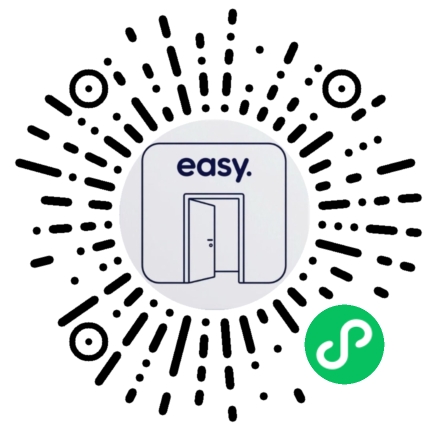
Scan with WeChat to book on your phone, or open the web app on a computer to book rooms and manage schedules.
Open the PC web appJoining as staff? Ask your organisation admin for an invitation code.
Scan the QR code or search WeChat for “easy会议室预约”.
Register your organisation and contact details for free.
Add a department and meeting room, then invite staff with an organisation code.
It is a meeting room booking system for offices and coworking spaces. Staff check availability and request rooms in a WeChat mini program; admins manage rooms, department access, approvals, and booking records in a web console.
No separate app is needed. Employees use the WeChat mini program to check available rooms, submit requests, and follow booking status.
Search WeChat for easy会议室预约, open the mini program, and choose the admin option to register for free. The form collects your first location, department, and meeting room details.
An organisation admin shares an invitation code. Employees enter the code in the mini program to join the organisation and start booking.
Yes. Admins can configure approvers and employees can follow request status. Approval is available in the enterprise plan; pricing depends on room count and the features required.
Managing several locations, department access or approvals? Let’s find the right setup.
WeChat support
Ask about a product demo, pricing, or space setup.
Loading support details…
WeChat ID
Loading support details…